
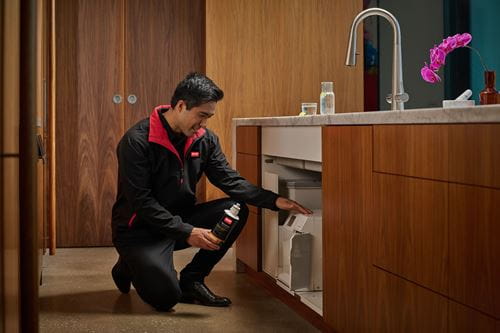



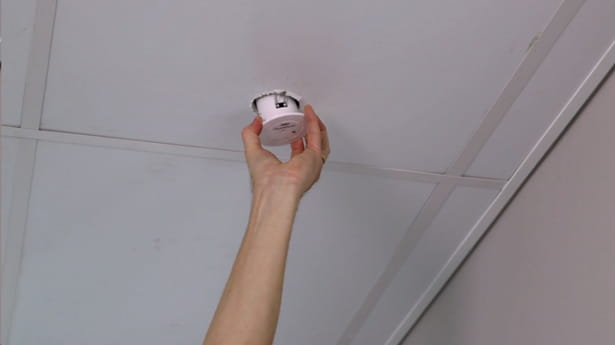
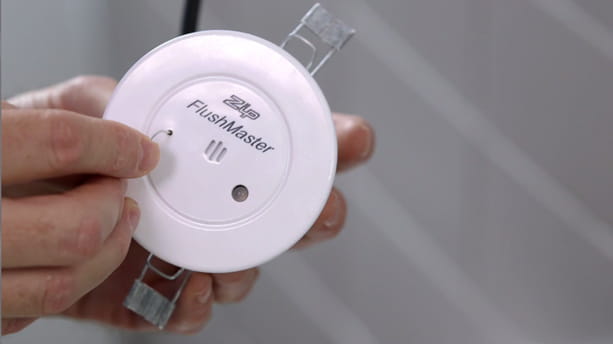
Step 01: Locate the Flushmaster unit and bring it in front of you. On the surface of the sensor you will see a "Test" button.
Step 02: Insert a paper clip into the hole at the front of the sensor and push the micro switch to give the unit a quick 5-second flush.
If the unit doesn’t flush: You'll need to check the sensors battery and fuse.


