




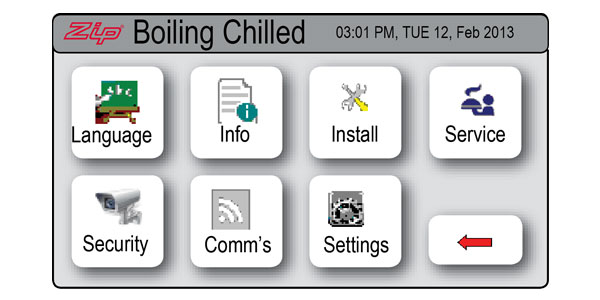
Step 1: Select [MENU] to bring up the main menu. 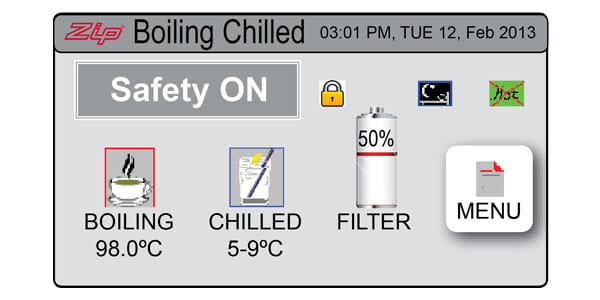
Step 2: Select [Setting]
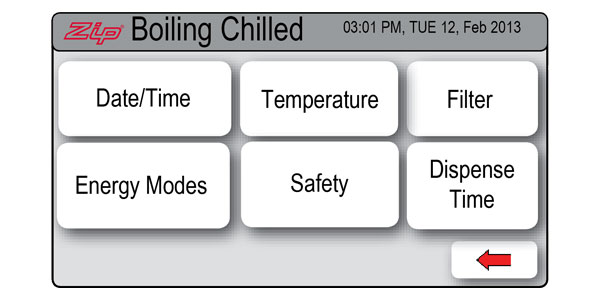
Step 3: Select [Date/Time]
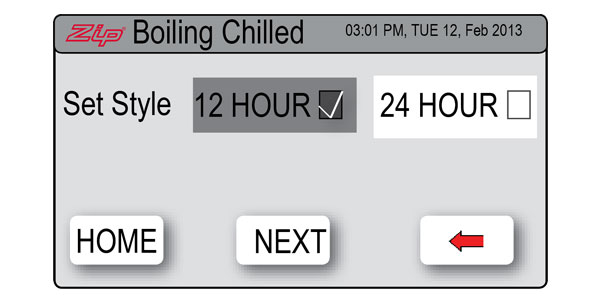
Step 4: Select either 12-hour mode or 24-hour mode. The selected mode will be displayed in a dark grey colour with a tick box to the right.
Step 5: Select [NEXT] to select the current date and time.
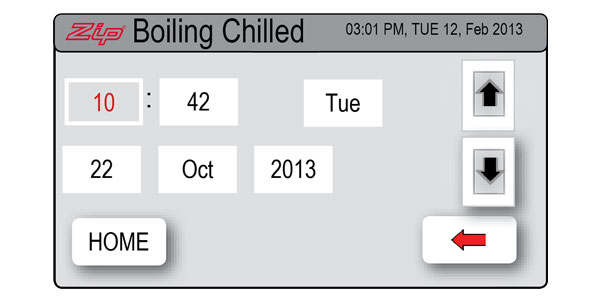
Step 6: Press the [HOME] button to return to the main menu. Your date and time are now set.


