



The time on your Zenith HydroTap G3 is displayed in 24-hour time.
Step 1: Press the [Menu ^] button until you see “Set Time” on the display screen.
Step 1: Press the [Menu ^] button until you see “Set Time” on the display screen.
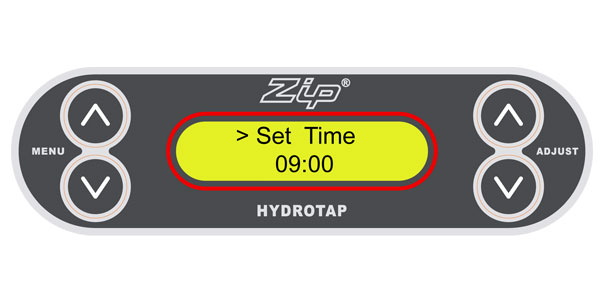
Step 2: Press the [Adjust ^] button to increase time or [Adjust v] button to decrease time in increments of one minute. If you hold the [Adjust] button down, the time will increase or decrease more rapidly.
Step 3: Press the [Menu ^] button until you see “Set Day” on the display screen.
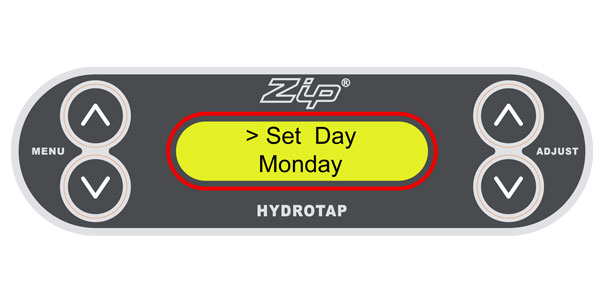
Step 4: Press the [Adjust ^] button or [Adjust v] button to select the correct day of the week.


