



Boiling water
A unique safety lock eliminates the risk of accidental discharge of boiling water.
Access to boiling water: Press both the red lever and the “safety” button at the same time for access to boiling water.
To activate/deactivate the safety button: Hold the chilled lever and safety buttons together for 12-15 seconds until the safety button turns off. It is now disabled and you can have boiling water access by simply depressing the red lever.
For boiling-only units: Scroll through the LCD screen to ‘Child-Saftey Lock’ and select ON or OFF using the Adjust arrows to the right of the screen. If your unit does not have a screen, tap the safety button on the tap 3 times in succession. When activated the safety button is illuminated.
Hands Free function: Flick the red lever towards you and boiling water will run for any pre-set period of 5-15 seconds. To find out how to adjust this setting, click here. (link to how to change the dispense time)
Chilled or Ambient water
Access to chilled or ambient water: Press the blue lever to dispense either chilled or ambient filtered water, depending on which model of HydroTap you are using.
Hands Free function: Flick the blue lever towards you and chilled or ambient water will run for a pre set period of 5-15 seconds. To find out how to adjust this setting, click here. (link to how to change the dispense time)
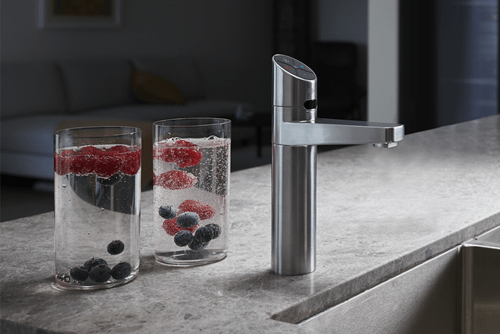
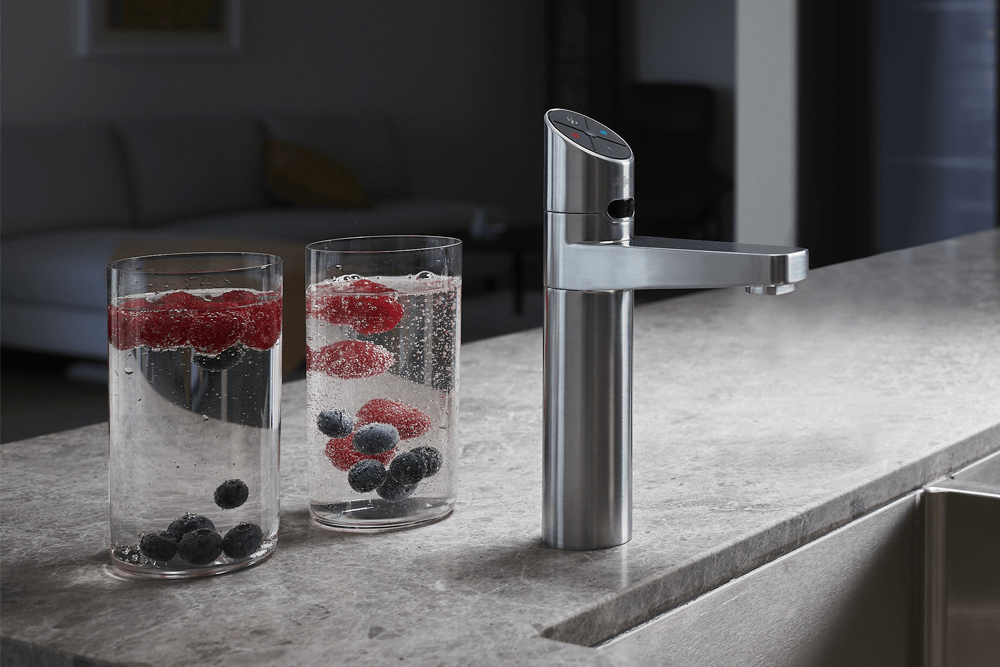
Access to Sparkling water: If you have a Zenith HydroTap Sparkling model, simply depress both levers together for sparkling chilled filtered water.
Hands Free Sparkling water: Flick both levers towards you and chilled sparkling water will run ‘hands-free’. To find out how to adjust this setting, click here. (link to how to change the dispense time)
A unique safety lock eliminates the risk of accidental discharge of boiling water.
Access to boiling water: Press both the red lever and the “safety” button at the same time for access to boiling water.
To activate/deactivate the safety button: Hold the chilled lever and safety buttons together for 12-15 seconds until the safety button turns off. It is now disabled and you can have boiling water access by simply depressing the red lever.
For boiling-only units: Scroll through the LCD screen to ‘Child-Saftey Lock’ and select ON or OFF using the Adjust arrows to the right of the screen. If your unit does not have a screen, tap the safety button on the tap 3 times in succession. When activated the safety button is illuminated.
Hands Free function: Flick the red lever towards you and boiling water will run for any pre-set period of 5-15 seconds. To find out how to adjust this setting, click here. (link to how to change the dispense time)
Chilled or Ambient water
Access to chilled or ambient water: Press the blue lever to dispense either chilled or ambient filtered water, depending on which model of HydroTap you are using.
Hands Free function: Flick the blue lever towards you and chilled or ambient water will run for a pre set period of 5-15 seconds. To find out how to adjust this setting, click here. (link to how to change the dispense time)
Access to Sparkling water: If you have a Zenith HydroTap Sparkling model, simply depress both levers together for sparkling chilled filtered water.
Hands Free Sparkling water: Flick both levers towards you and chilled sparkling water will run ‘hands-free’. To find out how to adjust this setting, click here. (link to how to change the dispense time)


