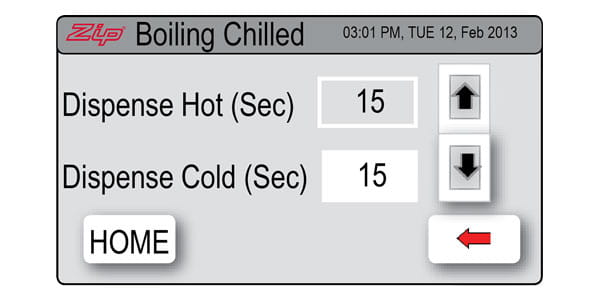



The default setting for the dispense time is 15 seconds but this can be adjusted to any time in between 5 and 15 seconds in increments of one second.
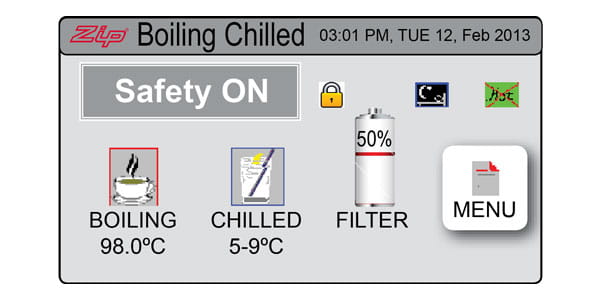
Step 1: Select [MENU] to bring up the main menu.
Step 1: Select [MENU] to bring up the main menu.
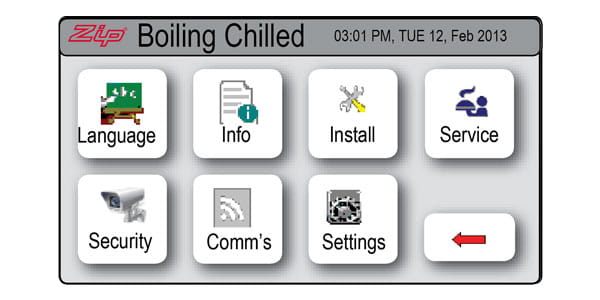
Step 2: Select [Setting].
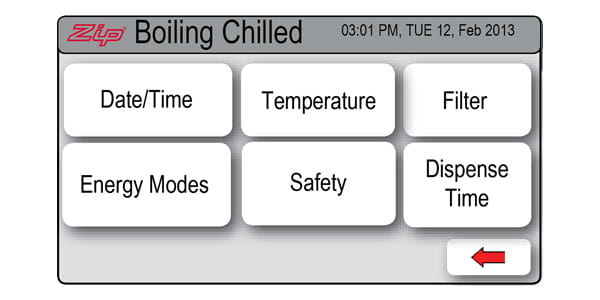
Step 3: Select [Dispense Time].
Step 4: Use the Up and Down arrow keys to select the time required.
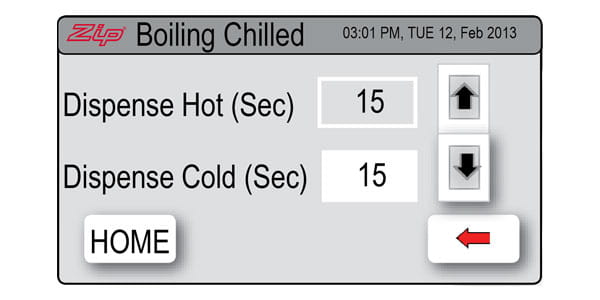
Step 5: Select [Home] to return to the main menu. Your selection has now been made.