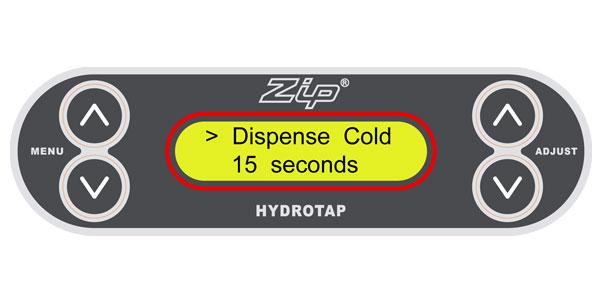




The default setting for the dispense time is 15 seconds but this can be adjusted to any time in between 5 and 15 seconds in increments of one second.
Step 1: Press the [MENU Λ or MENU V] button until [Dispense Hot] is displayed. 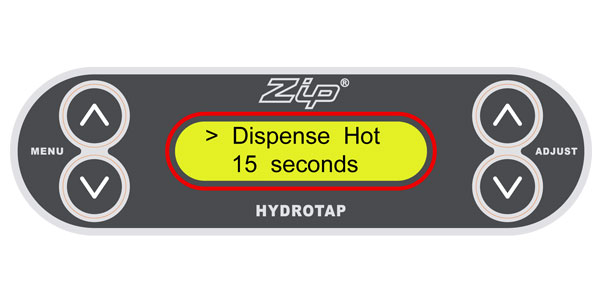
Step 1: Press the [MENU Λ or MENU V] button until [Dispense Hot] is displayed.
Step 2: Use the [Adjust Λ or ADJUST V] keys to select the required dispensing time for hot water.
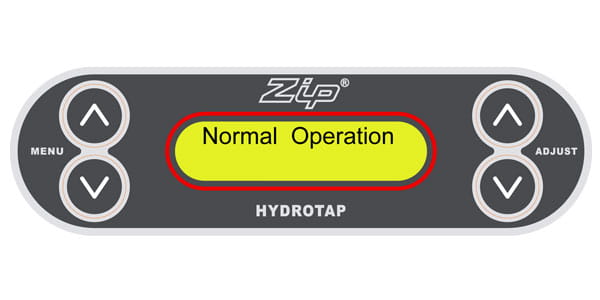
Step 3: The screen will return to [Normal Operation] after approximately 10 seconds.
Step 4: To set the cold water dispense time, repeat the procedure and at Step 1 press the [MENU Λ or MENU V] button until [Dispense Cold] is displayed.