




Learn how to change a filter or CO2 on your HydroTap, with easy-to-follow videos or instructions.
Important – before you start, please check if you have a G5, G4 or G3 model.
Depending on which model you have, please read instructions below for G5, G4 or G3.
For G5 models, the screen on your command centre should look like this:
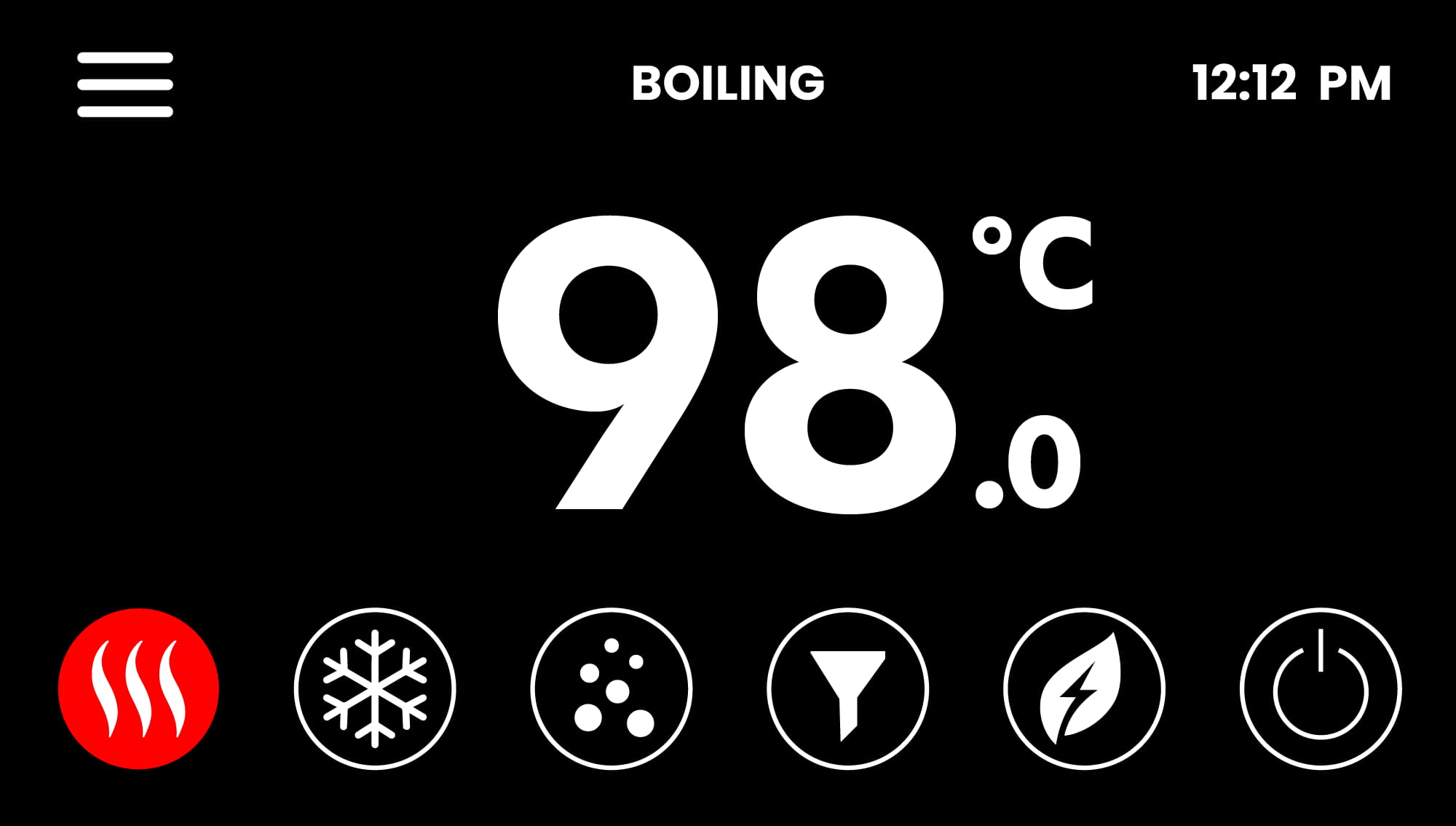
Click on the below link to see how to change a filter or CO2 bottle on G5:
G5 Command Centre – How to change the filter
G5 Command Centre – How to change the CO2 bottle
For G4 models, the screen on your command centre should look like this:
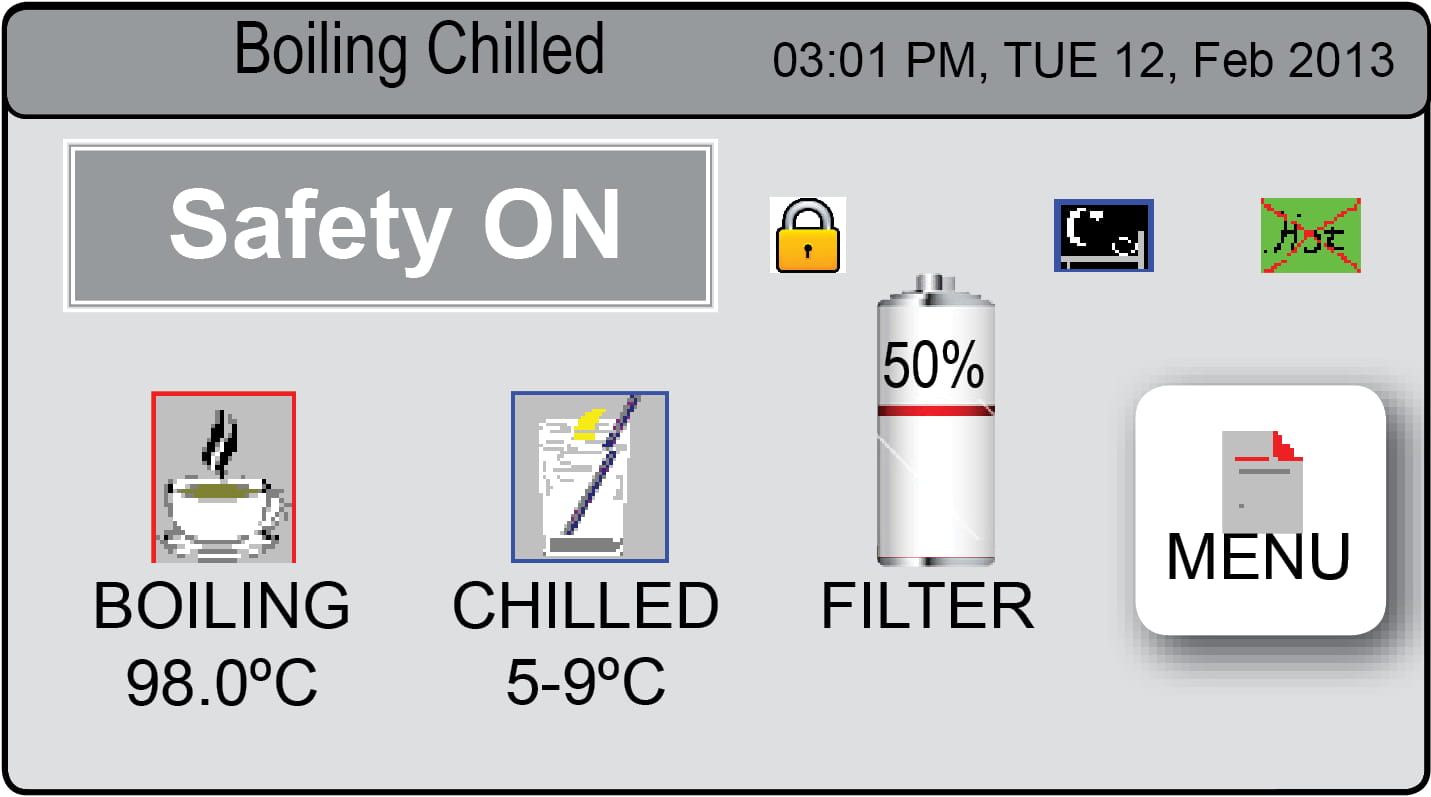
Click on the below link to see how to change a filter or CO2 bottle on G4:
G4 Command Centre – How to change the filter
G4 Command Centre – How to change the CO2 bottle
For G3 models, the screen on your command centre should look like this:
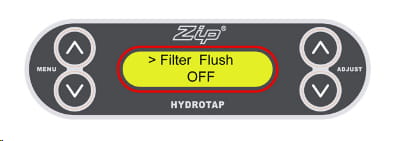
Click on the below link to see how to change a filter or CO2 bottle on G3:
G3 Command Centre – How to change the filter
G3 Command Centre – How to change the CO2 bottle


